Bring your own provider
Free to Vaak
Vaak charges nothing for local mode. Pay your provider directly, keep your key on your desktop, and switch providers whenever you want.
- No Vaak account
- Your provider, your bill
- No Vaak subscription
Open-source desktop software
Press a hotkey, speak naturally, and Vaak inserts polished text wherever your cursor is. Bring your own AI provider—no account or subscription required.
Free early preview · Windows · No Vaak account required
The workflow
Keep your editor, inbox, CRM, terminal, or browser exactly where it is. Trigger Vaak, speak, and let your words land in the focused field.
Call Vaak without reaching for your mouse.
Use the speech provider and model you trust.
Clean text appears in the app already in front of you.
Your voice, your rules
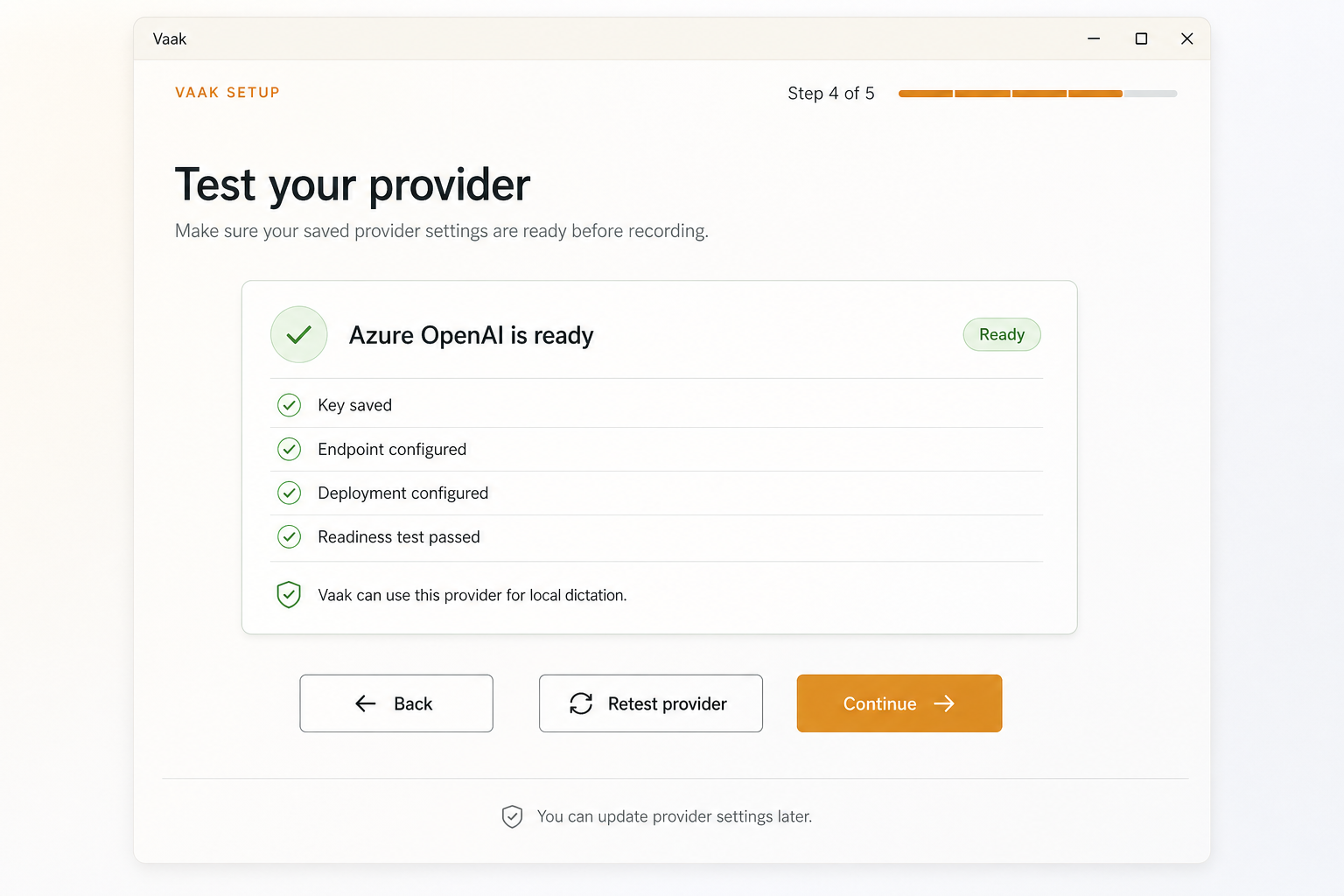
Vaak has no required hosted account. Bring your own speech provider key, store it through the desktop app’s secure local path, and choose the setup that makes sense for you.
Explore provider support
Pricing without lock-in
Vaak does not put the desktop app behind a subscription. Use Vaak with your own provider at no charge from us, or buy prepaid managed minutes when convenience matters.
Before you download
Straight answers about data, providers, pricing, and platform support.
Vaak keeps its dictation history, settings, and provider configuration on your device. In local mode, those records are not uploaded to Vaak.
When you dictate, audio goes only to the transcription provider you select. If rewriting is enabled, transcript text goes only to your selected rewrite provider. Each provider applies its own terms and privacy policy.
Vaak does not charge for local mode. Your selected provider may charge for its API usage under its own pricing.
The desktop app remains usable. Add more prepaid minutes when you want convenience, or continue with your own provider without a Vaak subscription.
Windows is the primary early-preview download. macOS preview builds are available through GitHub Releases.
Early preview
Install Vaak, bring a provider key, and try voice input in the tools you already use.
macOS preview builds are also available on GitHub Releases.